
Field sales software is the app a rep carries into every account: the approved content to present, a way to share it and see who engaged, the CRM to log it, and coaching to get better. SoloFire puts all of it in one field sales app that works offline on iPhone, iPad, Android, Mac, and Windows, for $30 per user per month with everything included.
One published price, no tiers, no user minimums. See pricing

Field sales software is a mobile-first app that equips outside sales reps to sell in person: it stores approved sales content on the device, lets reps present and share it with buyers, tracks what those buyers engage with, and records the activity in a CRM. The best field sales tools also coach and train reps, so the same app that carries the deck makes the rep better at delivering it.
It is narrower than sales enablement as a discipline: field sales software is the tool in the rep's hand, built for hospital corridors, job sites, trade-show floors, and anywhere else the signal drops.
Six requirements separate a field sales app reps actually open from one they abandon by week three.
Content cached on the device, not streamed. If the app needs Wi-Fi to open a deck, it fails exactly where field reps sell.
Reps switch between phone, tablet, and laptop in a day. Content, favorites, and settings should follow them.
Attachments disappear into inboxes. A tracked link shows which buyer opened what, and for how long.
Shares and views should land on the contact record automatically, in a built-in CRM or the one you already run.
Answers and role-play should come from your approved material, with sources, so reps don't repeat claims you never made.
Distributor and independent reps need the same current content without seeing another line's material, or costing a full seat.
Yes. SoloFire is offline-first: the iOS, Android, macOS, and Windows apps cache every file on the device, so reps open decks, videos, 3D models, and interactive presentations with no connection. Search runs against the local library, PDF forms can be filled and signed offline, and only changed files re-download when the signal returns. Admins can lay the library out as visual Orbit or Grid screens so reps find the right piece in one tap.
How offline access works →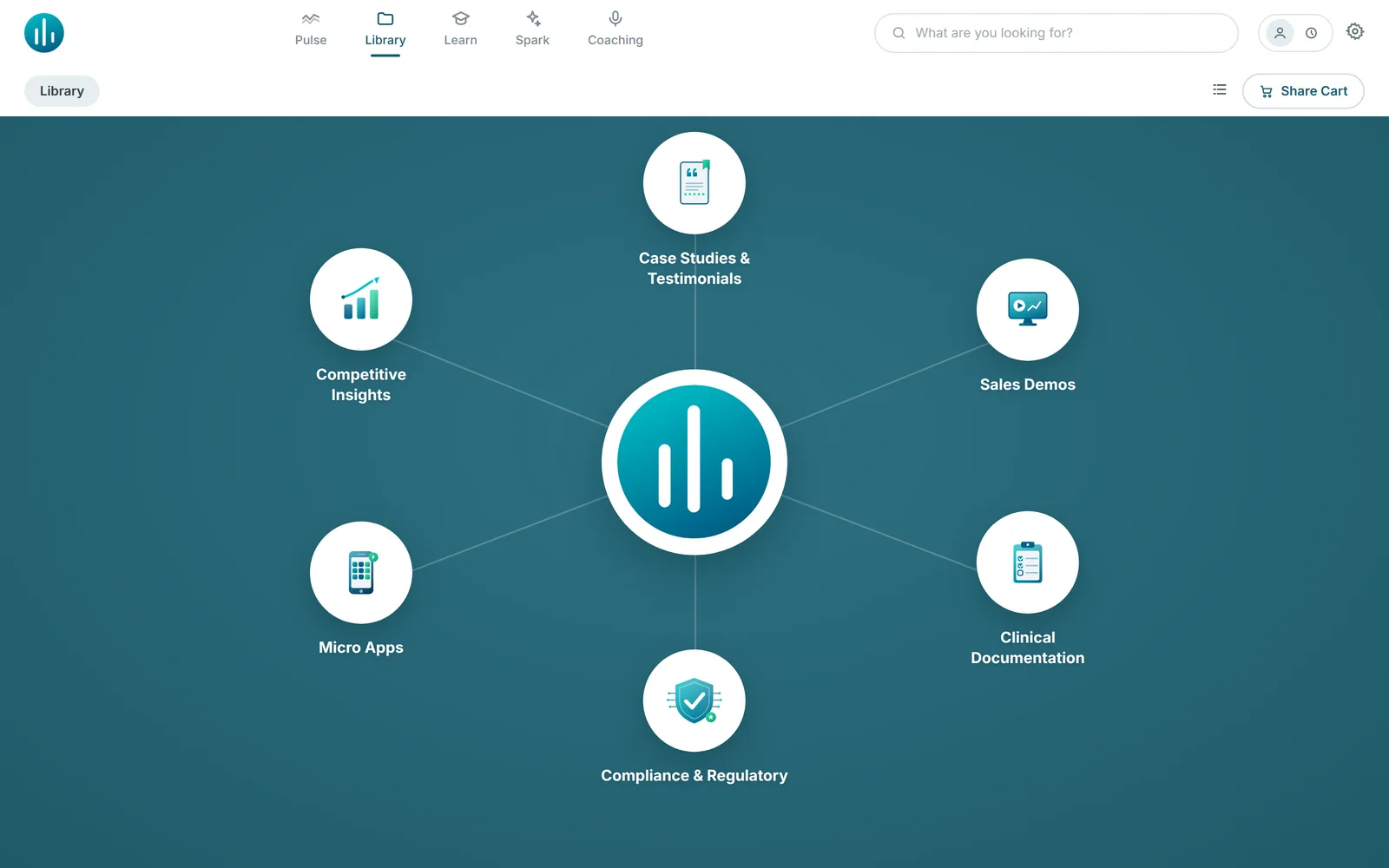
Reps drop files into a share cart and send a Space: a branded, no-login microsite by link, email, or text message. The buyer views everything inline; the rep gets an activity email within about 15 minutes showing which files were opened and for how long, plus a daily digest. Reps working in a browser can build a Space from any web page with SoloFire for Chrome.
Explore Spaces →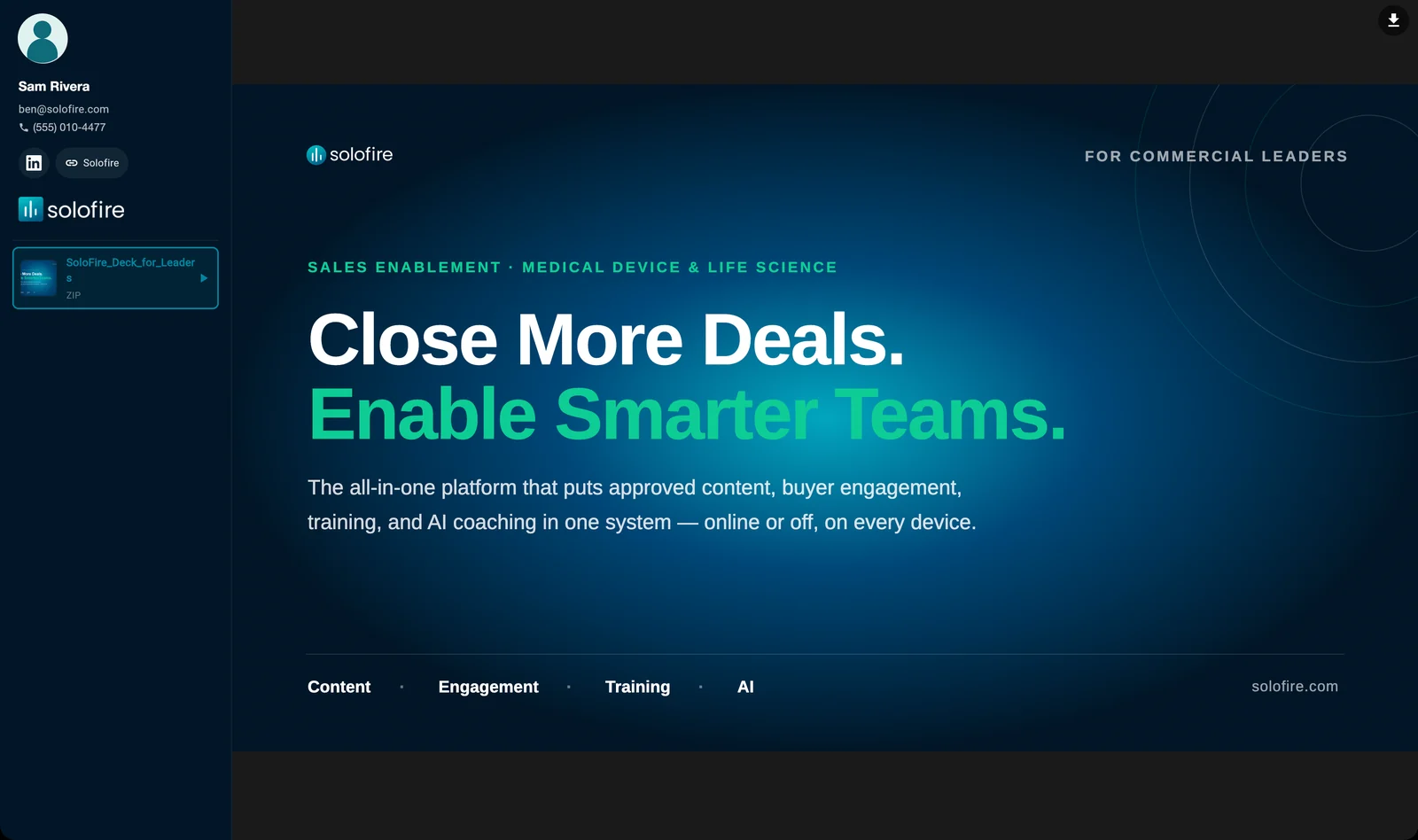
They don't have to. Every share is attached to a contact, and engagement is logged automatically: to SoloFire's built-in CRM (contacts, companies, deals, tasks), or to Salesforce as Events, HubSpot as Notes, Dynamics 365 as activities, or monday.com as Updates on the contact. Contacts are scored hot, warm, or cold from their latest Space engagement, so reps know who to call first.
See CRM integrations →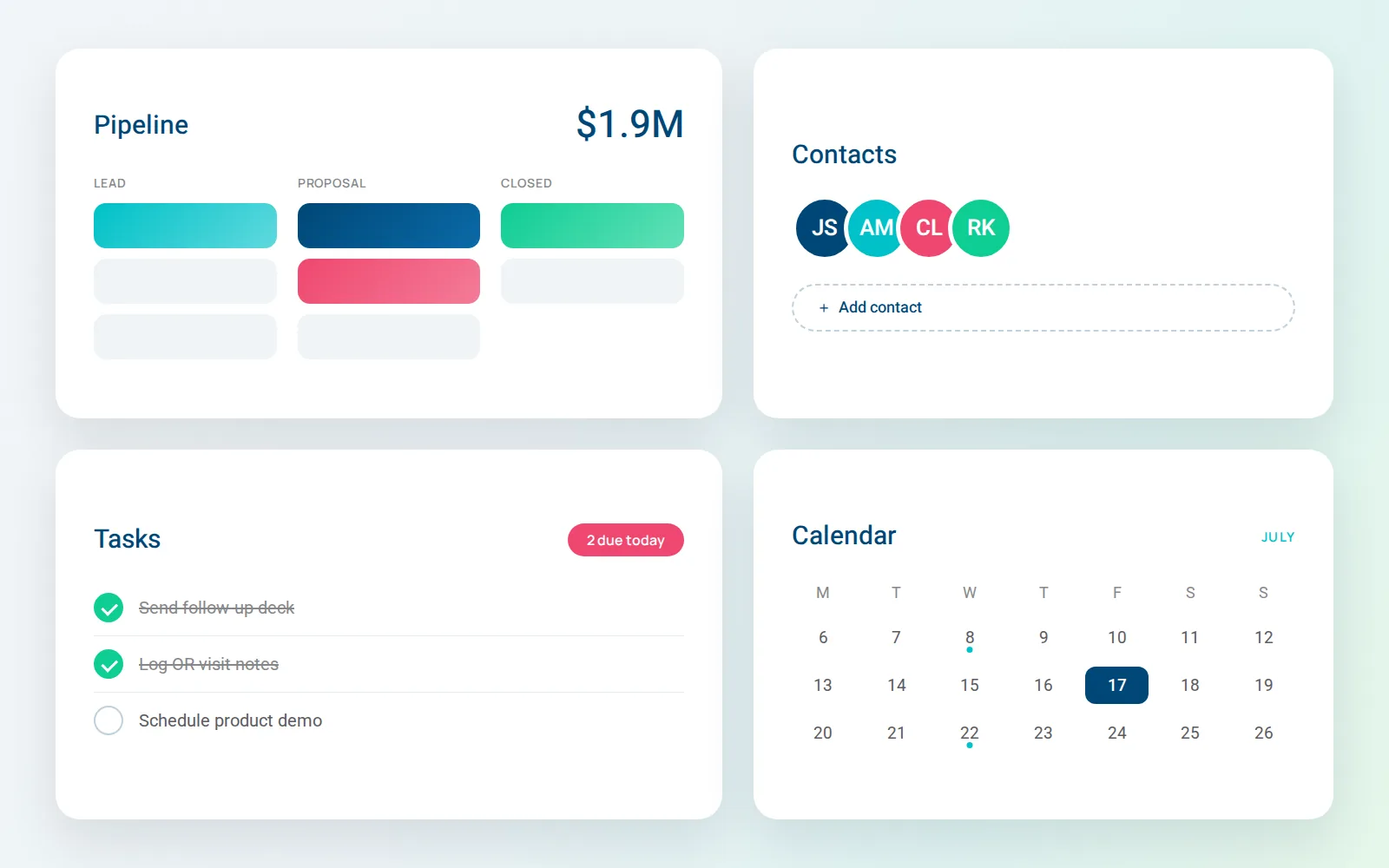
Spark answers rep questions from your own approved content, cites the source files, and admits gaps instead of inventing. AI coaching lets reps rehearse cold calls, discovery, pricing, and objections by voice, by text, or face to face with a live AI avatar (a $15 per user per month add-on), then scores the session and flags claims that don't match your content.
Meet Spark AI →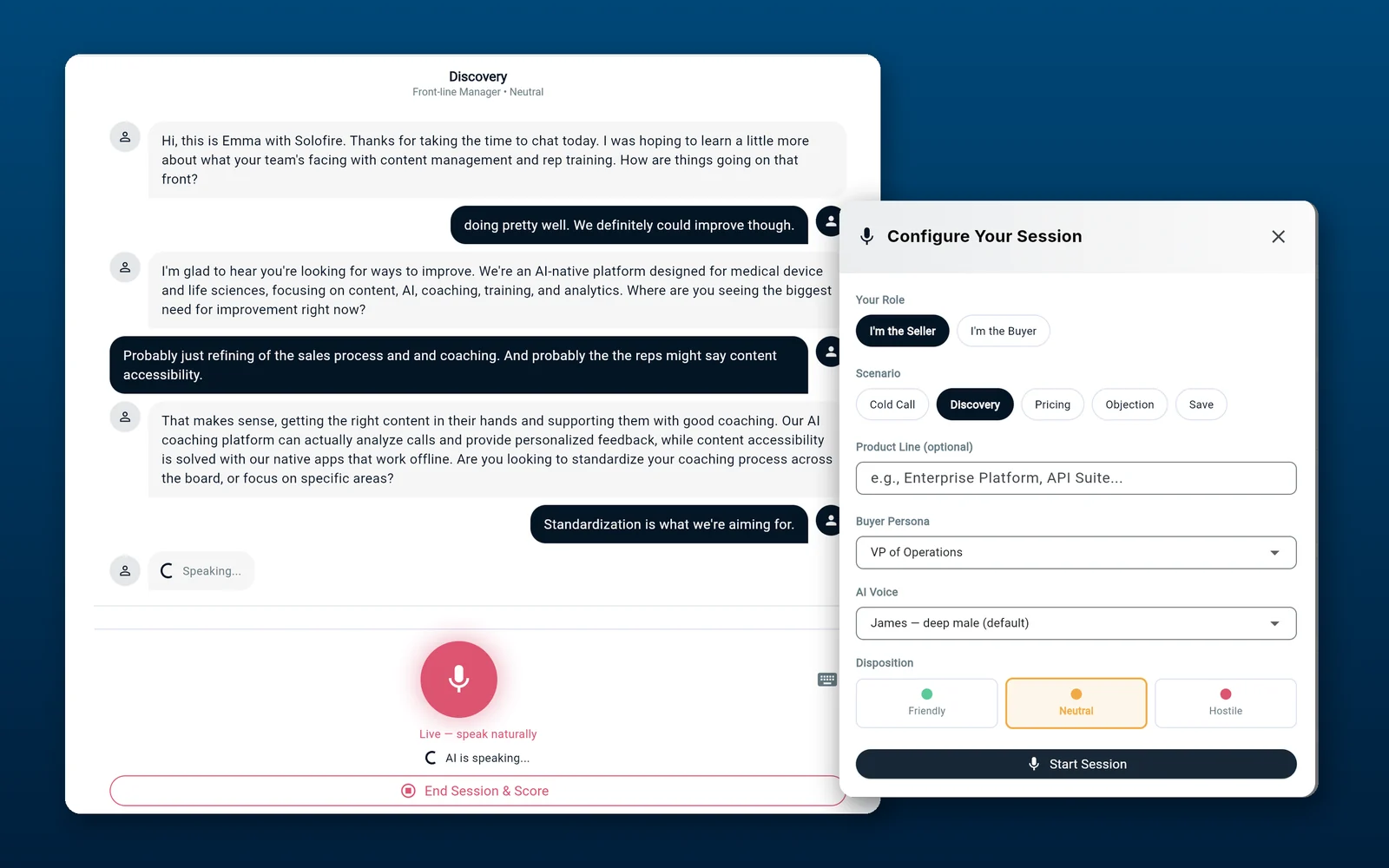
One app from the parking lot to the follow-up, with no copy-and-paste between tools.
Ask Spark for the key facts on the product being discussed, then run a quick role-play against the objection you expect.
Present from the device with no signal: reorder or hide slides, show the video, fill and sign the PDF form.
Send a Space by text or email before leaving the building. The buyer opens it with no login.
Get the engagement alert, see which files the buyer read, and find the activity already logged to the CRM.
SoloFire was built for medical device and life science reps, who sell in ORs and basement conference rooms with no signal, can only use approved claims, and follow deals through value analysis committees long after the meeting. A field sales app that holds up there holds up in any territory. See how it works for medical device sales teams.

Reps don't only sell in accounts. The same app should onboard them, work the booth, and stretch to reps you don't employ.
Onboard and certify reps in the app they already carry.
Demo without venue Wi-Fi and follow up before visitors leave the booth.
Put your whole channel on one system.






Most field sales platforms hide pricing behind a sales call and charge extra for AI. SoloFire publishes one price.
The field app, Spaces, built-in CRM, CRM integrations, Spark AI, AI coaching, training, SSO, onboarding, and human support. No tiers, no user minimums. Live avatar role-play is a $15 per user per month add-on that includes one hour of live avatar coaching per user each month; voice and text role-play have no minute limits.
Sales presentations delivered with SoloFire
Typical time to a team's first cohort of reps live
Platforms from one app: iOS, Android, macOS, Windows, and web
App languages, with AI coaching in 48
Straight answers to the questions buyers ask most. Still wondering? Ask us directly.