
SoloFire is a sales enablement platform with true offline access: every asset is cached on-device, so medical device and life science reps can present, share, and organize content in hospitals, ORs, labs, and anywhere else the network doesn’t reach. No signal? No problem.
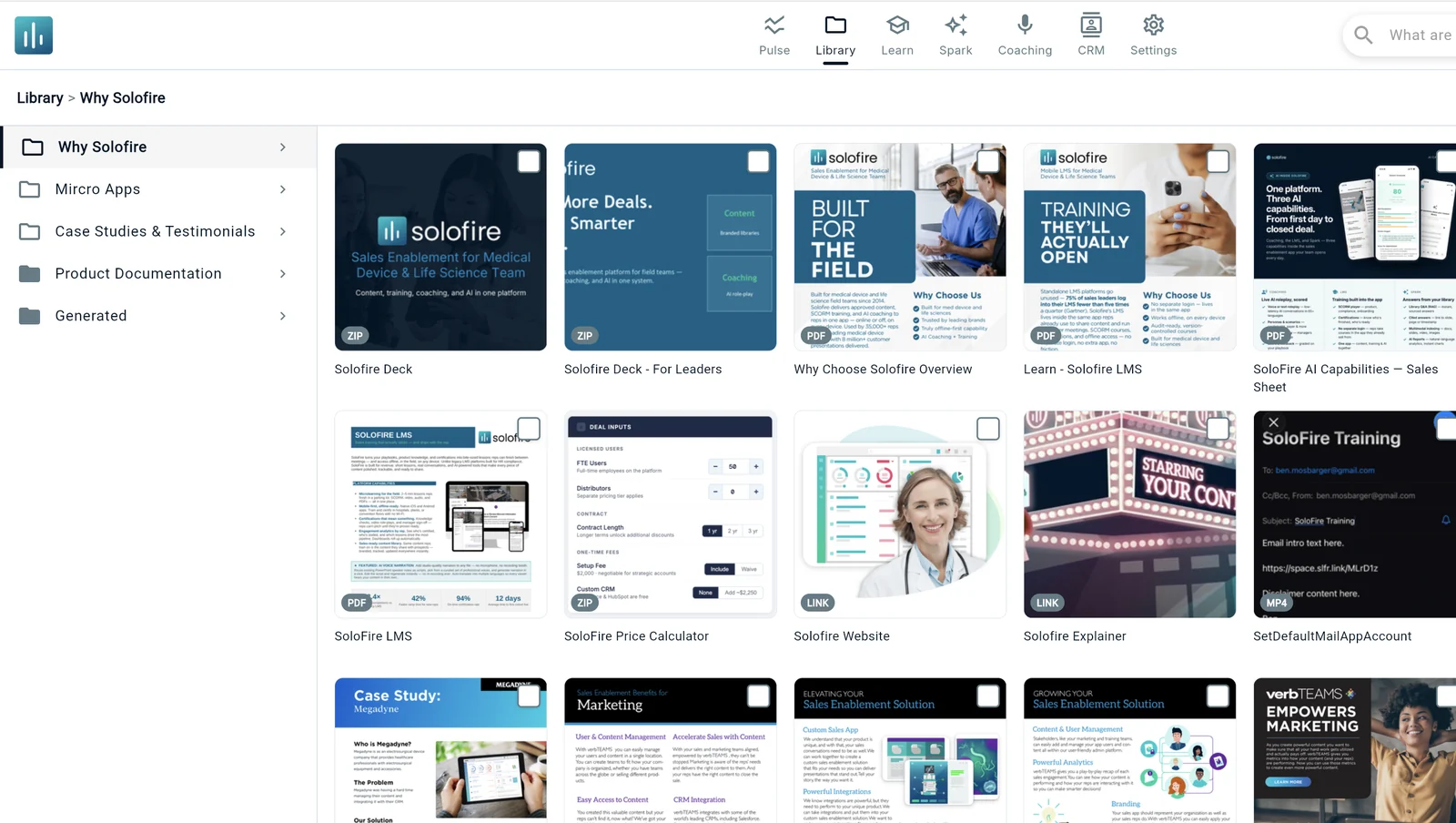






Whether reps are in hospitals, ORs, or out in the field, connectivity is never guaranteed — but that shouldn’t stop them from delivering polished, compliant content when it matters most.
Every asset a rep has permission to see is cached on-device automatically — one-sheets, videos, IFUs, studies, entire configurations.
Open the app with zero signal and everything is there — present in an OR, queue shares in a basement conference room, keep selling on a plane.
The moment connectivity returns, updates flow down and offline activity flows up — shares go out, analytics land in your CRM, and the library stays current.
Offline access matters in medical sales because the moments that decide deals happen where the network doesn’t. When you’re at the scrub sink with a surgeon or standing in the OR during a case, you don’t have time to wait for internet access — and you can’t go back to the office to look something up. The question gets asked once. Either the study, the IFU, or the technique video is on your screen in that moment, or the conversation moves on without you.
What a rep needs in that moment is an app that gets out of the way and lets them do their job — and the job is to close business. SoloFire stays out of the way: every sales presentation, one-sheet, and clinical study is available without ever being connected to the internet, no matter where you are in the hospital — or out of it.
Built for Medical Device Sales →
A surgeon’s hallway question, a lab director’s objection, a value analysis committee member asking for the evidence — these are one-shot moments. Reps who answer on the spot build credibility; reps who say “let me get back to you” start over. Offline access isn’t a convenience feature. It’s the difference between advancing the deal in the room and hoping for another meeting.
That’s why offline can’t be a premium add-on or a “mobile mode” with half the features. In SoloFire it is the architecture: the full library, Spaces, and training all work identically with zero signal.
See Spaces & Buyer Engagement →
Every medical device and life science rep knows these rooms. None of them have reliable Wi-Fi, and all of them are where business actually closes.
Case support and technique questions in the most connectivity-hostile environment in the building. Pull up the IFU or the animation instantly — no signal required.
Value analysis committees meet where cell service goes to die. Present the full economic story without asking for the guest network password.
Shielded rooms and interior spaces where diagnostics and device reps spend their day — every asset already on the device.
Ten thousand phones fighting one overloaded network. Your demos and videos play from the device, full speed, every time.
Clinic-to-clinic drives, planes, and distributor markets with limited bandwidth. The library is complete before you leave the house.
Partner reps get the same offline library with the same current, approved content — no CRM seat required.
Ask the people who sell in hospitals every day, and offline access isn’t on the feature list — it’s the reason the app gets opened. It’s the difference between answering a surgeon’s question at the scrub sink and promising a follow-up email that competes with fifty others.
“Offline access isn’t a nice-to-have — it’s a deal-saver.”
— Marketing Communications Manager, BD BARD
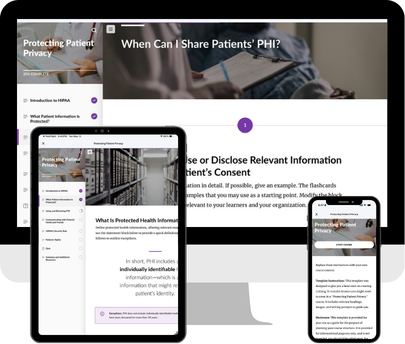
Plenty of platforms have a mobile app with some caching. Offline-first is a different architecture — the app assumes no connection, and treats the network as a bonus.
Common questions about offline sales content access.