
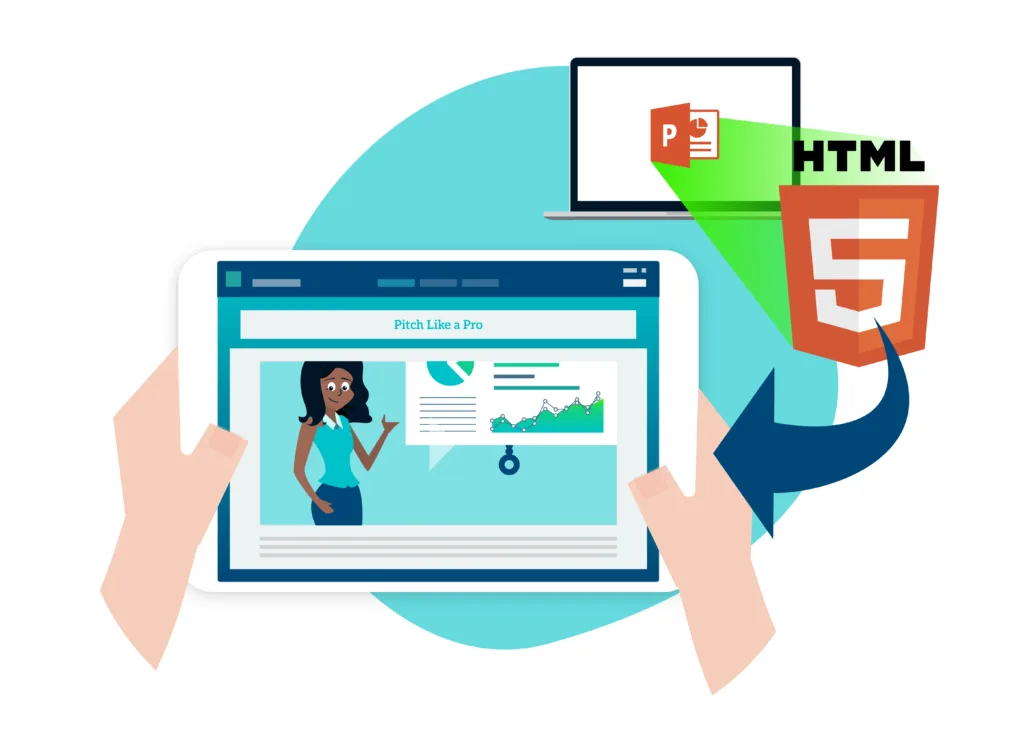
SoloFire converts PowerPoint presentations to HTML5 automatically — and keeps your animations, embedded videos, speaker notes, narrations, jump links, hot spots, and custom transitions intact. Upload a .pptx into a single content library, and after the next sync your reps can present the deck on any device, exactly as it was built.
Try a Converted Deck Right Now
The presentation below is a real .pptx that went through SoloFire’s converter — slide jump links, click-by-click animations, a Morph transition, an embedded video, and a native chart included. Pick a tile on the menu slide to jump around, click to build each slide, and press play on the video when you reach it.
Open the deck full screen · Download the original .pptx and compare — every link, video, and transition you just used was authored in PowerPoint.
Why Convert PowerPoint to HTML5?
PowerPoint is still the standard for building sales and training presentations, but most sales apps convert PowerPoint files badly. Reps open a deck in front of a customer and find slides broken apart, transitions gone, or embedded video missing — and end up improvising while the audience drifts.
The usual workaround is exporting decks to PDF, which is reliable but flat: no motion, no narration, no interactivity. After the work that goes into a good presentation, neither outcome is acceptable. Converting to HTML5 keeps the full presentation working in the browser and in the field.
How SoloFire’s PowerPoint Converter Works
Watch it in action: Convert PowerPoint sales presentations to HTML5 with SoloFire.
There is nothing to configure. Upload your PowerPoint and SoloFire converts it to HTML5 on its own, preserving notes, narrations, videos, links, hot spots, and custom transitions. Once devices sync, the deck is ready to present. With the converted presentation, reps can:
- Change the order of slides
- Show or hide slides for a specific meeting
- See speaker notes while presenting
- Create different versions for each customer
- Share the presentation with customers
When a rep shares the converted deck through a digital sales room, SoloFire also tracks what the customer opened and how long they spent in it — so the follow-up call starts from what the buyer actually looked at.
Tips for a Clean Conversion
- Use TrueType fonts in the deck
- Embed videos as .MOV, .MP4, or .M4V files
- Avoid assets linked from outside sources — they can break playback
- Give large decks a few minutes to finish converting
- Stuck on something? SoloFire support can help
Any file in the .pptx format should convert well, whether it was built in PowerPoint on a PC or a Mac.
More Than a PowerPoint Converter
SoloFire doesn’t just convert and store presentations. The same library holds one-sheets, videos, and links, so reps can find, share, and track every piece of sales content from one app — and see which content connects best with each customer. If you’re comparing platforms, start with the 10 features that matter in a sales enablement app — or read why teams outgrow SharePoint and Google Drive for sales content.
Frequently Asked Questions
What does SoloFire’s PowerPoint converter do?
SoloFire converts PowerPoint presentations to HTML5 while retaining notes, narrations, videos, jump links, hot spots, and custom transitions, so decks present exactly as they were built.
Can SoloFire preserve animations and videos from my PowerPoint slides?
Yes. SoloFire preserves animations and embedded videos during conversion, so all multimedia elements remain intact in the HTML5 output.
Which PowerPoint file formats and video types does SoloFire support?
SoloFire supports .pptx files from both PC and Mac, TrueType fonts, and embedded video in .MOV, .MP4, and .M4V formats.
Does SoloFire allow customization of slide order or visibility?
Yes. Reps can reorder slides and show or hide specific slides for each meeting without touching the original file.
How does SoloFire assist with sales enablement beyond presentations?
SoloFire is a full sales enablement platform: one library for presentations, one-sheets, videos, and links, with engagement analytics on everything reps share.
Can I track how customers interact with my presentations?
Yes. SoloFire tracks how customers engage with shared content, so sales teams can see what was viewed and tailor their follow-up.