
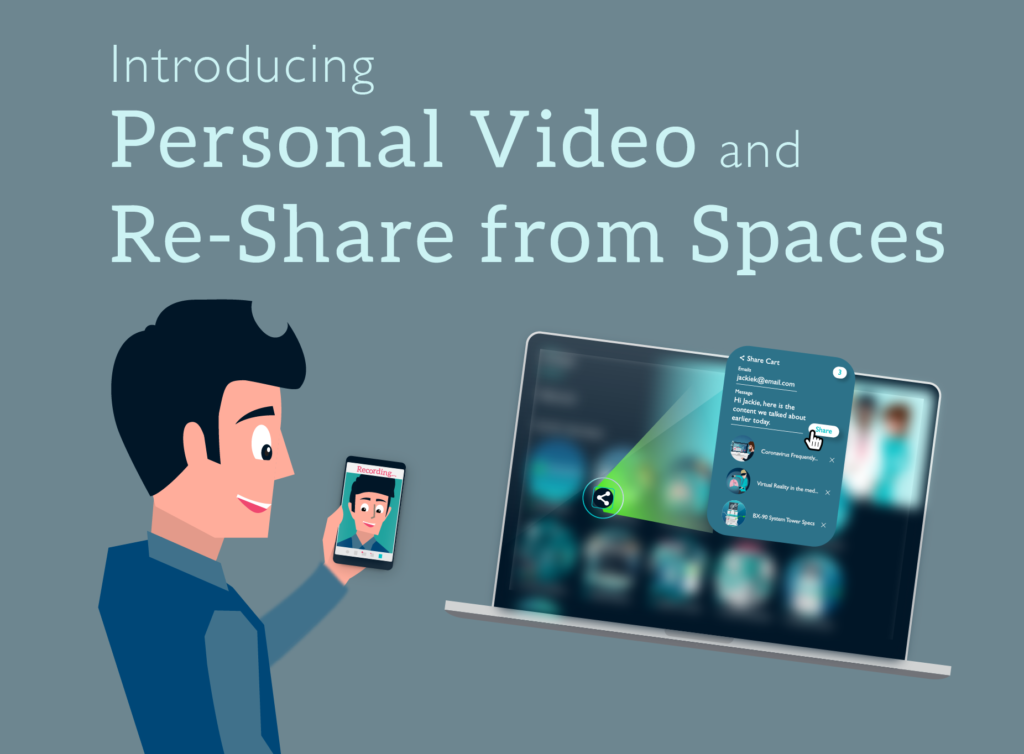
We work hard to improve the SoloFire experience for both sales and marketing teams all around the world! We know that the last couple of months have been nothing short of crazy, and selling to prospects without face-to-face interaction has become even more of a challenge. Today, we’re excited to announce that we’ve added several new features and did some house cleaning to help make selling virtually more impactful.
Personal Video
Sales reps can record video within the app and share it with a client in a Space. Reps will find this feature useful when they want to use SoloFire to make micro-training videos for a client, add some context to the content they are sharing, or simply make a video and share it in a Space.
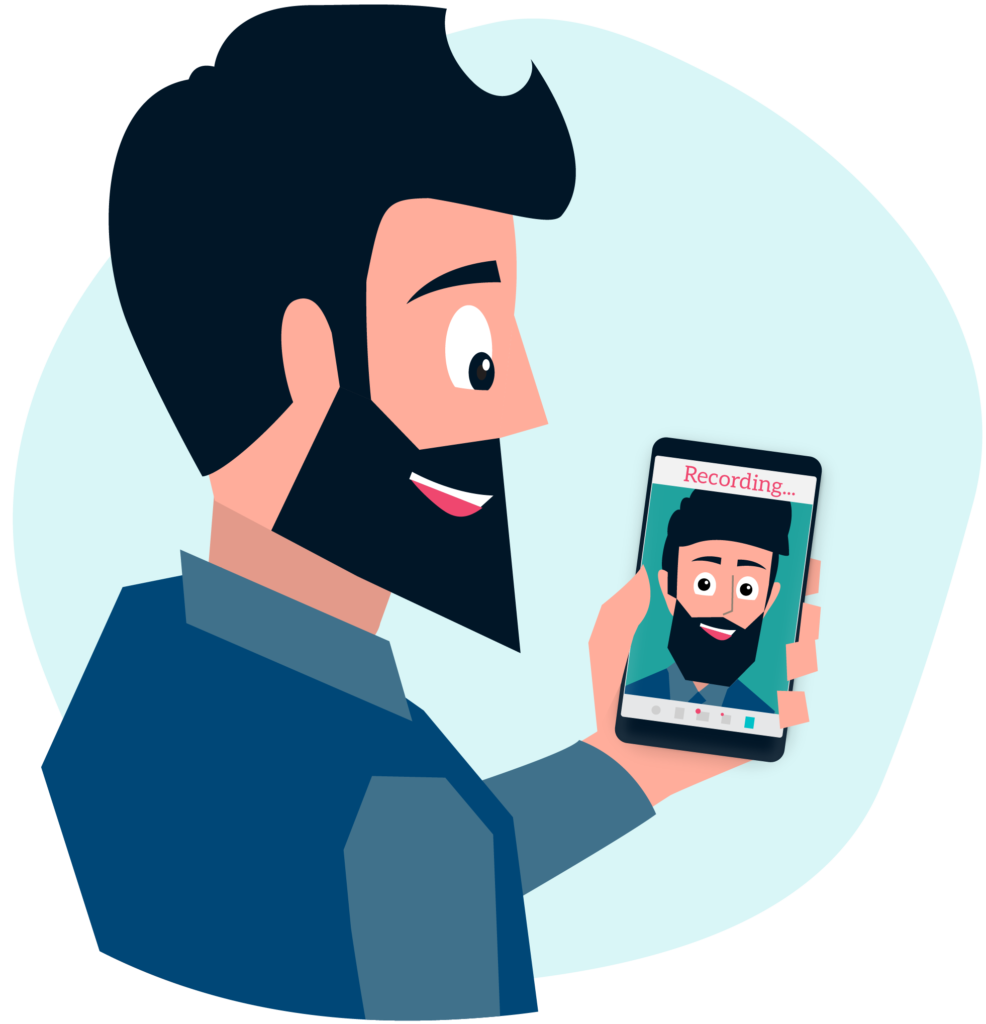
To make a video you tap on Content and a new folder appears called My Videos. Go to My Videos and tap Create Video button. Make your video, name it, save it, share it.
Re-Share Content from Spaces
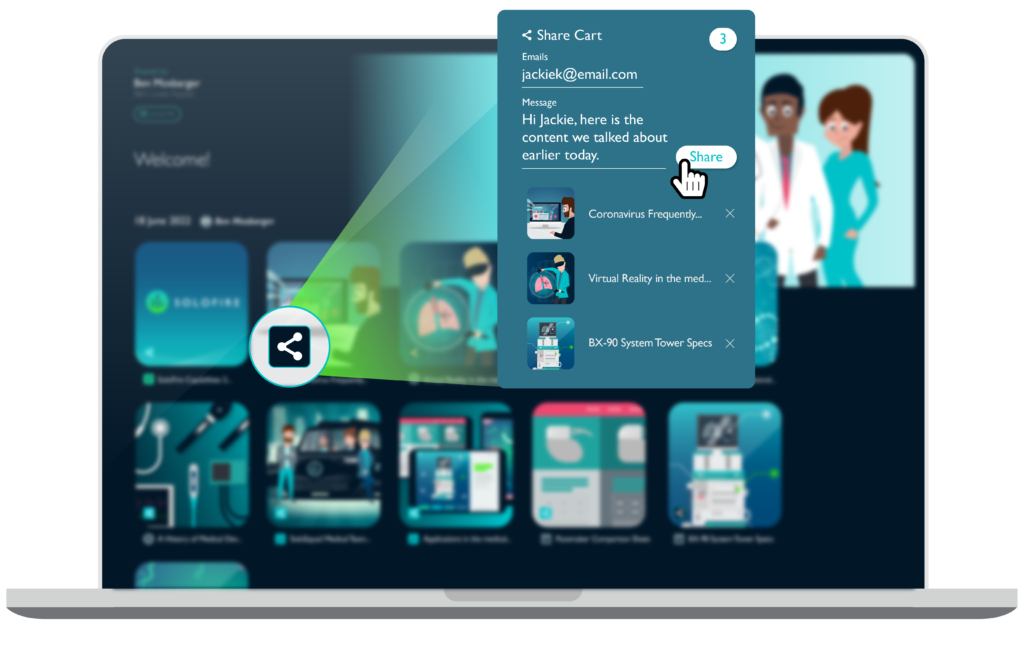
Another powerful feature we’ve added is re-sharing content within a Space. This means when sales reps share content with a prospect, that prospect can share that content with others directly from their Space!
Buying is done by a committee, and your contact may need to share content up the chain or with other members of the committee. Sharing within a Space makes it very easy while recording and notifying reps when content is shared AND to whom!
Other Features We’ve Added
- Showcases are now accessible within the app (previously an admin feature only).
- Company Presentations allow admins to choose several pieces of content and save them as a Presentation which can be sent to the whole team.
- All PPTX/PPT files are automatically converted to HTML, it does this in the background. Allow, 5-10 minutes for the conversion to complete. Optimal files size is less than 200 MB
- An all-new PDF viewer in Spaces which addresses a bug where some firewalls were blocking our old PDF viewer.
- Spaces and Showcases now come in two flavors – Dark Mode and Light Mode. Settings are on the App Profile and Showcase settings.
- Showcases have all new banner design to allow for more flexibility for background image designs.
Improve Your Virtual Sales Strategy with SoloFire
There’s never been a more crucial time to amp up your virtual sales strategy and we are here to help! SoloFire is a mobile sales enablement solution that equips your reps with the tools necessary to engage and interact with prospects, virtually!
Interested in trying SoloFire? Sign up for a free 30-day trial and experience the powers of SoloFire!
**If you are a current SoloFire app user, please update your app here to see the new features!